
Install IPTV on Dreamlink · DreamOnline
Your favourite programmes, ready for your screen. Follow the guide and tick off each step as you go.

Have your emailed access details ready. Menus and available apps vary by model, version and country.
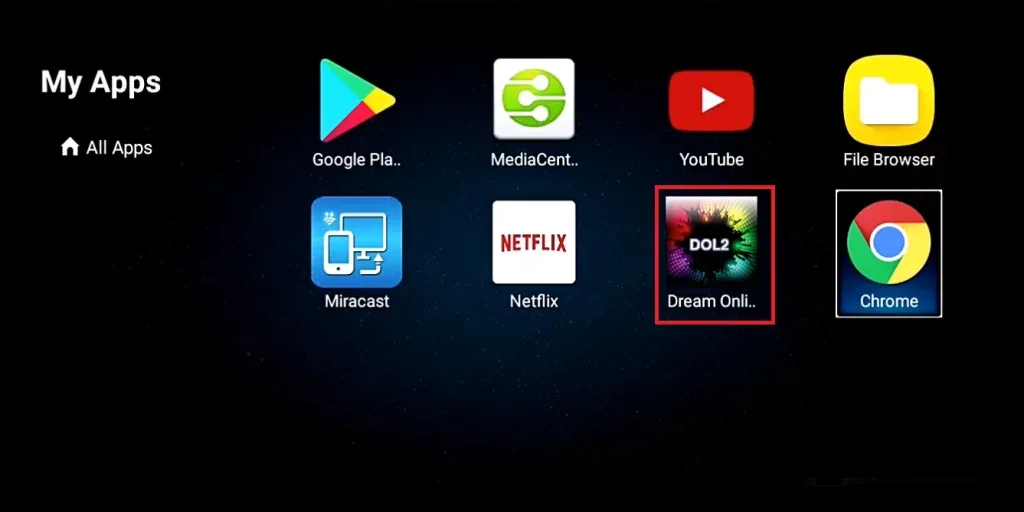
Open DreamOnline
In My apps, choose DreamOnline (DOL 2). If missing, find and install it in Market.
Edit the service
Choose Edit service, then Edit. If needed, supply your box MAC address to support to link it to the service.
Add your portal
Choose a service name and enter the supplied portal URL. For a MAC-linked portal connection, the original guide does not require a username or password.
Confirm and load
Confirm with OK and wait for the server connection. Your subscription channels appear after loading.
Need help with a setting?
Our team can help you choose a player and set up your device.
Contact the team