
Install IPTV on Fire TV Stick
Your favourite programmes, ready for your screen. Follow the guide and tick off each step as you go.

Have your emailed access details ready. Menus and available apps vary by model, version and country.
Prepare Fire TV
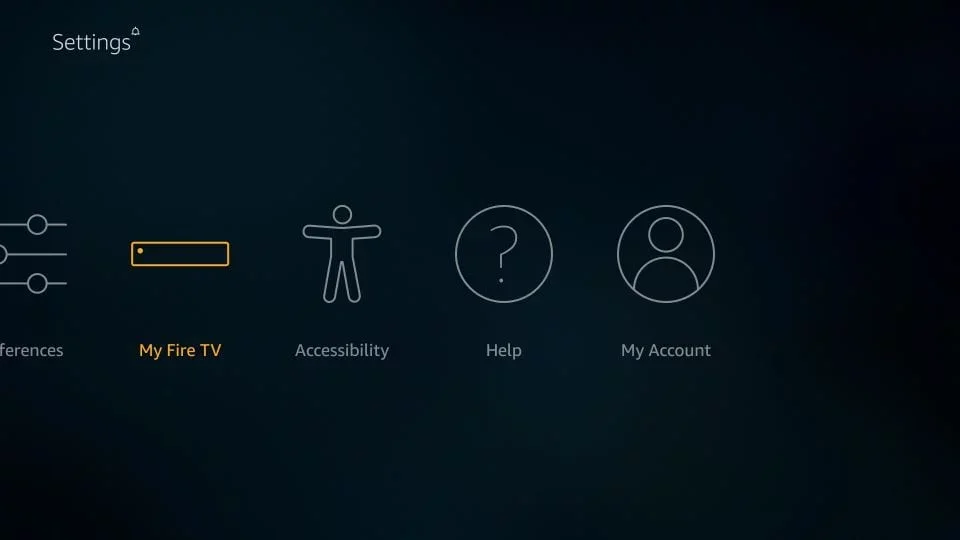
Install Downloader using Fire TV search. In Settings → My Fire TV → Developer options, allow installation for Downloader if the official player version requires manual installation.
Install the player
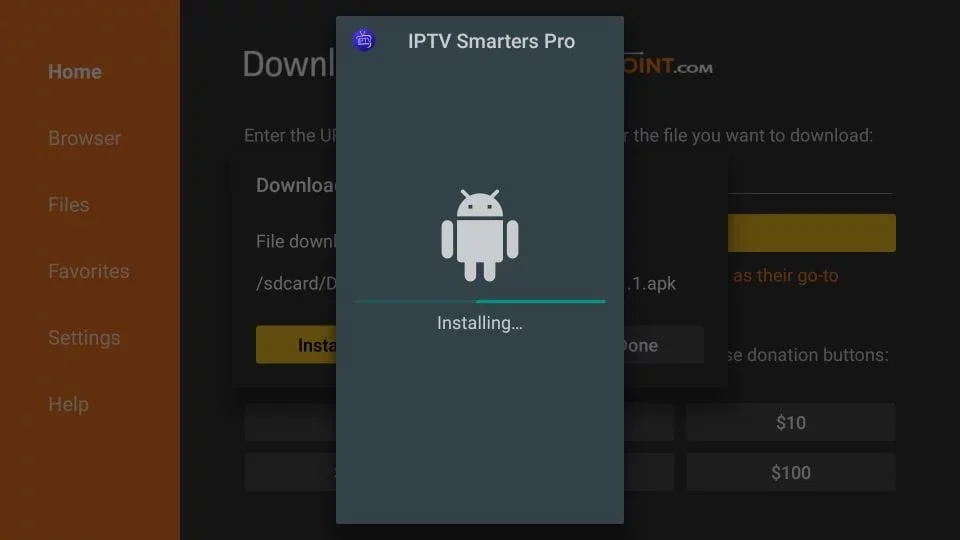
Open Downloader and enter the official player publisher’s Fire TV download link. Download, then choose Install. Delete the downloaded APK after installation to free storage.
Xtream Codes login
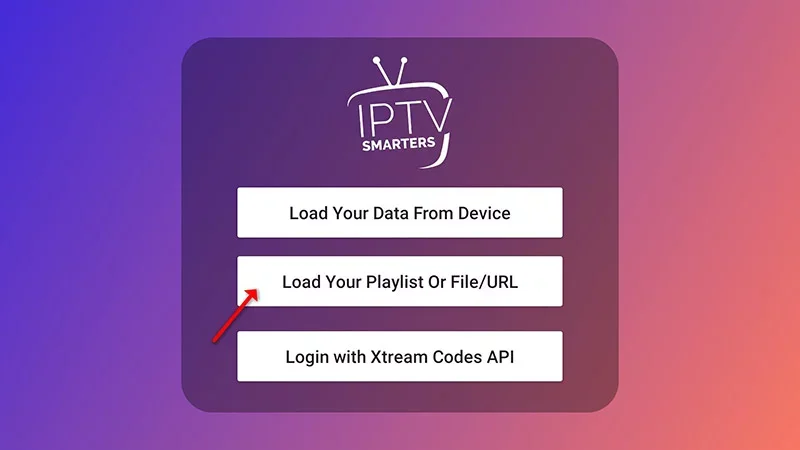
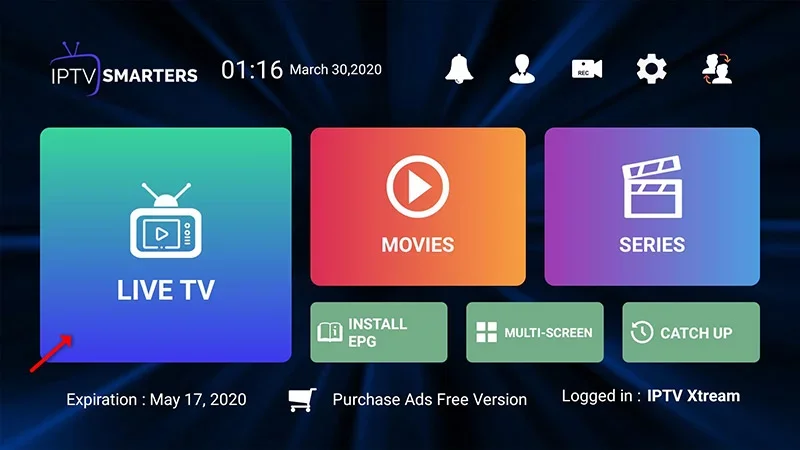
Open IPTV Smarters, choose Add user, then Login with Xtream Codes API. Name your profile and enter the username, password and server URL received by email. Choose Add user.
Or import an M3U playlist
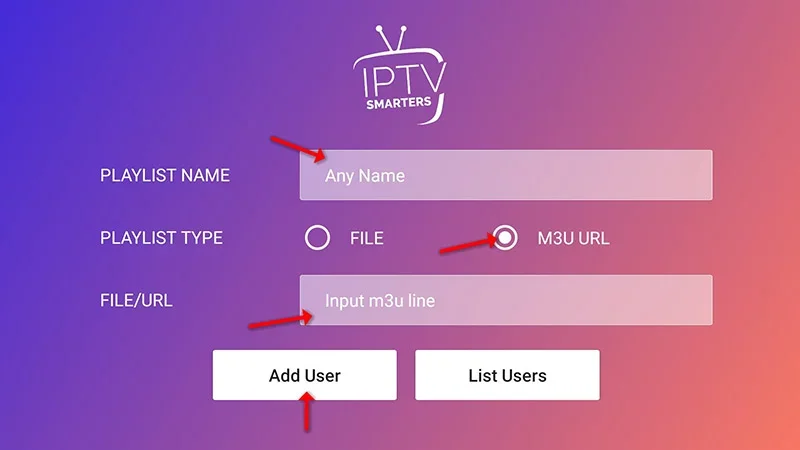
Choose Login with playlist, name your list and add the M3U URL you received. Use Install EPG and the supplied EPG address for the programme guide.
Start watching
Wait for the catalogue to load. Open Live TV, choose a group and a channel, then switch to full screen. With Xtream Codes, the programme guide can be loaded through Install EPG.
Need help with a setting?
Our team can help you choose a player and set up your device.
Contact the team