
Install IPTV on Kodi 16 and earlier
Your favourite programmes, ready for your screen. Follow the guide and tick off each step as you go.

Have your emailed access details ready. Menus and available apps vary by model, version and country.
Enable television
In Kodi 16 or earlier, open System → TV or Live TV → General → Enable. Confirm the prompt for a PVR client.
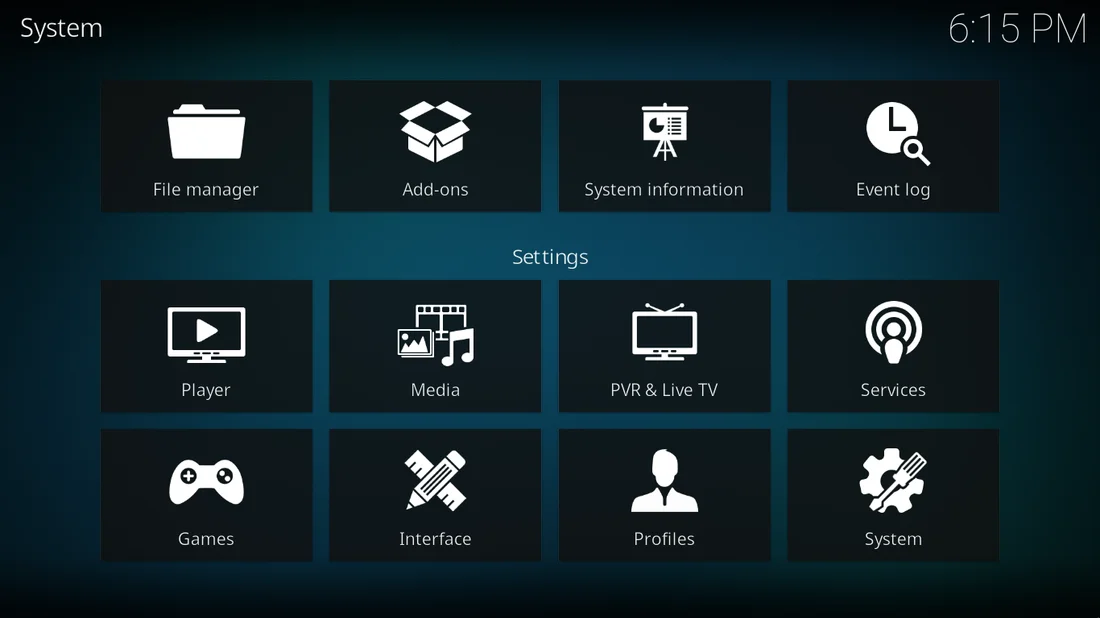
Configure PVR IPTV Simple Client
Select PVR IPTV Simple Client, enable it and open Configure.
Add the M3U URL
Under General, choose M3U Playlist URL. Paste your subscription M3U link and confirm with OK.
Restart Kodi
Save your settings and restart Kodi. Open TV or Live TV on the home screen to show channels. This guide covers older versions whose menus differ from current releases.
Need help with a setting?
Our team can help you choose a player and set up your device.
Contact the team