
Install IPTV on Windows PC
Your favourite programmes, ready for your screen. Follow the guide and tick off each step as you go.

Have your emailed access details ready. Menus and available apps vary by model, version and country.
Install IPTV Smarters Pro
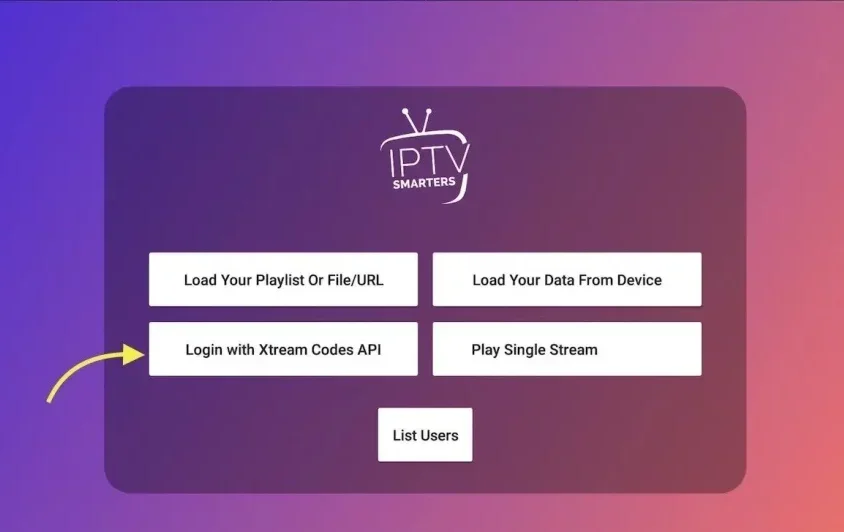
Download the Windows version from the player’s publisher and install it. Open the app and choose Login with Xtream Codes API.
Enter your details
Name your list, enter the username, password and URL you received, then choose Add user and wait for loading.
Alternative: MyIPTV Player
Install MyIPTV Player from Microsoft Store. In Settings, open Add new playlist and EPG source.
Import your M3U
Name the remote channel list. Paste the M3U URL into the remote source field and choose Add remote list. Return to Settings and select the list.
Watch your channels
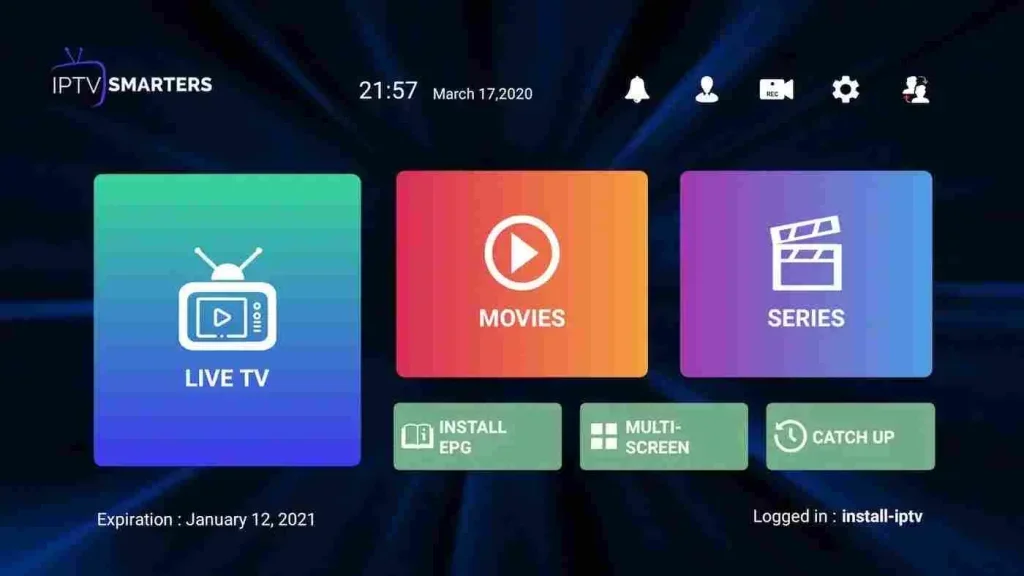
Open Channels, choose a group and start your programme.
Need help with a setting?
Our team can help you choose a player and set up your device.
Contact the team